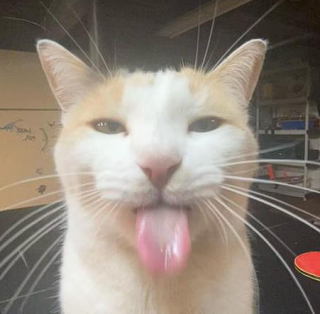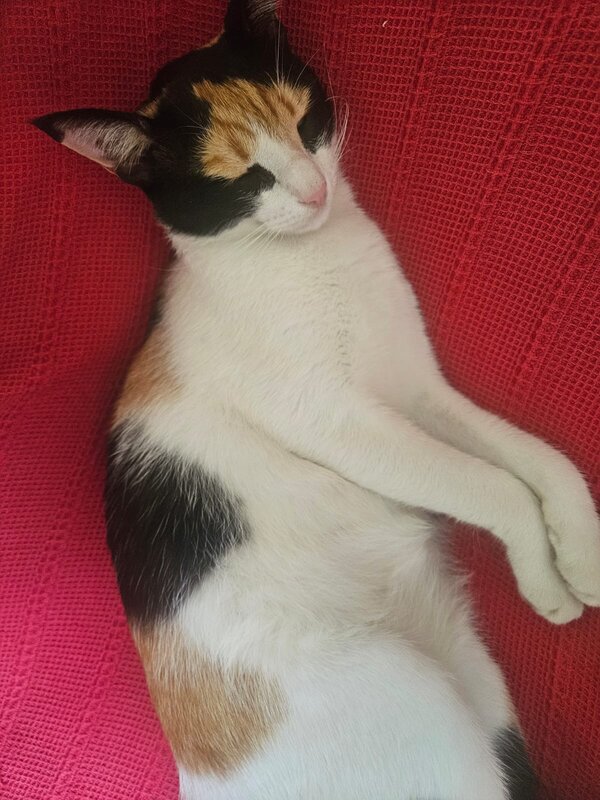
More Cat Stickers
Frequently asked questions
How to use the Black Cat #12 Sticker on Discord
To upload and use custom Discord Stickers like the "Black Cat #12", you’ll need:
- A Discord Nitro subscription
- A server with Level 1 Boost or higher
Steps:
- Open your Discord server and go to Server Settings
- Select the Stickers tab
- Click the + button to add your sticker
- Upload the image from Stickers.gg
- Give it a name, set an emoji (optional), and save
You can now use the Black Cat #12 sticker in chat 🎉
How to use the Black Cat #12 Sticker on WhatsApp
To use the "Black Cat #12" sticker on WhatsApp:
- Download the image from Stickers.gg
- Use an app like Sticker Maker for WhatsApp
- Create a new sticker pack and import at least 3 stickers
- Export the pack to WhatsApp
Your new stickers will be available in your WhatsApp sticker tray 📱
How to use the Black Cat #12 Sticker on Telegram
To upload the "Black Cat #12" to Telegram:
- Message the @Stickers bot
- Send
/newpackand follow the prompts - Upload the image (preferably 512x512, PNG or WEBP)
- Assign an emoji
- Use
/publishto finish
You’ll be able to share your sticker in any Telegram conversation!
How to use the Black Cat #12 Sticker on iMessage
To use the "Black Cat #12" sticker on iMessage:
- Download the image to your iPhone
- Open the Photos app
- Tap Share and select Messages
- Send it to your contact
- (Optional) Tap and hold to drag it as a sticker in chat
You can also save it as a favorite for quick access 📲
How to use the Black Cat #12 Sticker on Signal
Signal doesn’t have native sticker uploading for users, but you can still use the "Black Cat #12" sticker as an image in chats.
Steps to use it on Signal:
- Download the image from Stickers.gg to your phone
- Open the Signal app
- Go to a conversation and tap the + button
- Select Gallery and choose the sticker image
- Send it as an image in the chat
Bonus: You can mark the image as a favorite or pin it for quicker access later